
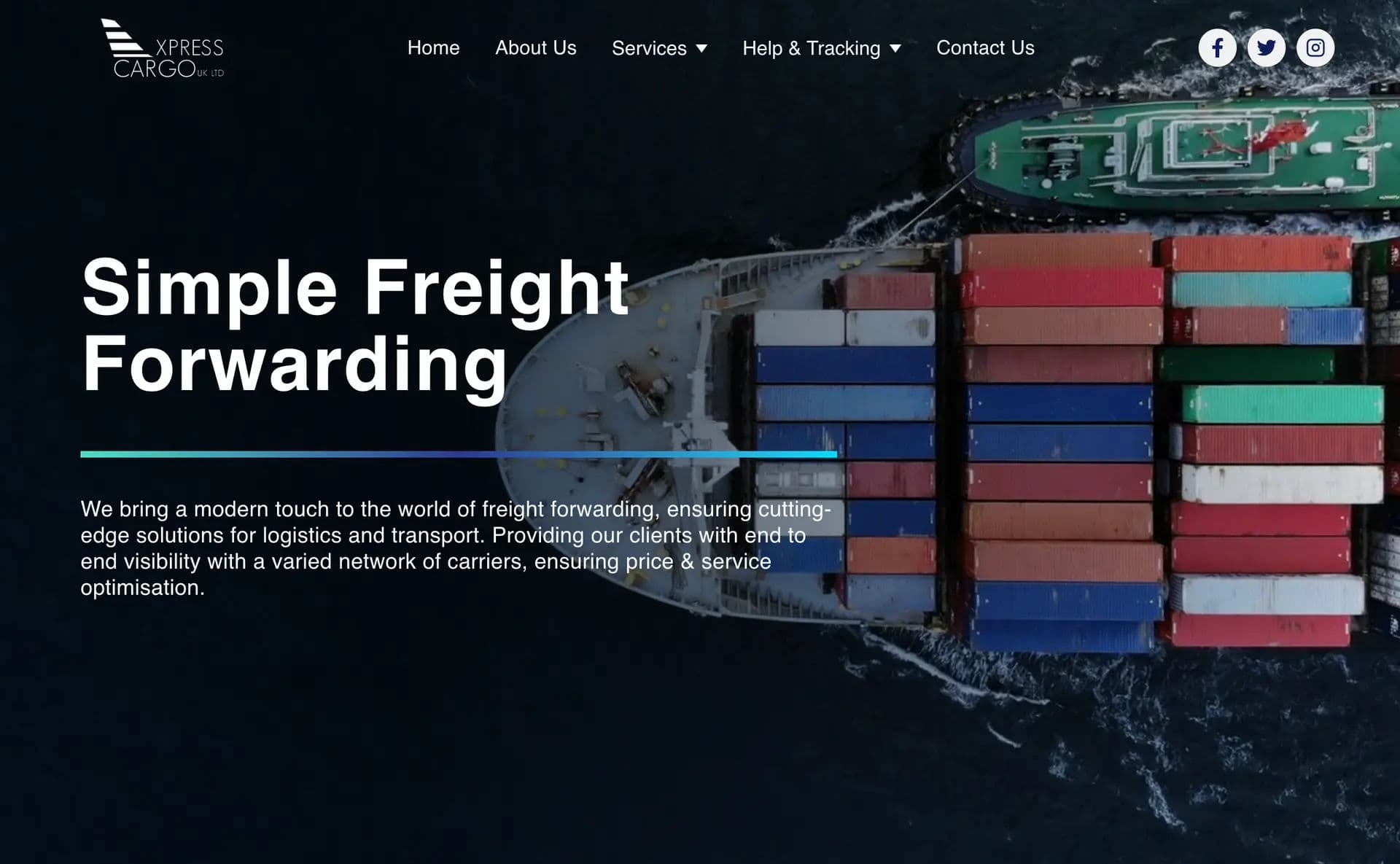
Xpress Cargo website using Tailwind CSS and Next.js involves creating a visually appealing and efficient website that adheres to best practices. Here's a detailed description of the approach you can take:
1. Project Setup:
Initialize a Next.js project to leverage the latest features and improvements.
Integrate Tailwind CSS using the recommended method, such as
@tailwindcss/jit.
2. Folder Structure:
Organize your project with a clean and modular folder structure.
Use components for reusable UI elements.
Keep styles, images, and other assets well-organized.
3. Responsive Design:
Implement a responsive design to ensure optimal viewing experience across various devices and screen sizes.
Utilize Tailwind CSS responsive classes to handle different breakpoints.
4. Styling with Tailwind:
Leverage Tailwind CSS utility classes for styling, ensuring a clean and efficient design process.
Customize the default theme to align with Taxy.cz brand colors and typography.
5. Performance Optimization:
Optimize images and assets for faster page loading.
Implement lazy loading for images and use the appropriate Next.js features for code splitting and efficient resource loading.
6. SEO Best Practices:
Implement SEO-friendly meta tags, including title, description, and Open Graph tags.
Use semantic HTML5 tags for improved search engine optimization.
7. Deployment:
Choose a suitable hosting platform for your Next.js application.
Set up continuous deployment for seamless updates.
8. Testing:
Write unit tests for critical components and functions.
Perform cross-browser testing to ensure compatibility.
9. Documentation:
Document your code, especially if working in a team.
Include a README file with instructions for setting up the project and running it locally.
Want something similar?
Check out my premium Next.js templates and SaaS starters in the shop to jumpstart your next big idea.
Browse Shop